Wireframe sketch
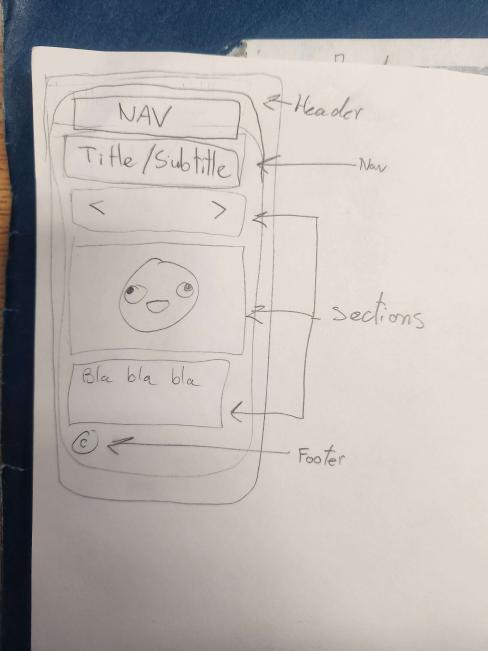
In the html, you will find that I have included the body and the footer. In the body, you will find #looks to represent the whole body, #process to represent the nav (which I put inside an aside because I wanted the user to have easier access to this page and other pages I wanted to display), #storyboard to represent the storyboard, #controler to represent the arrows, and finally #board to represent the images.
In the css, you will find that I used the same style reset to keep the theme of my web2 page. I also included another css for the storyboard itself. I used the grid display to make my #process to be on the left side of the storyboard.
In the javascript, I just wanted a simple storyboard where the user can simply click on the arrows to check out the next slide or go back a slide. I also made it where the user can come back to the first slide by using the ifelse statements, where if the current frame pass the max lenght, the next time the button is pressed to go forward, it would instead go back to the very beginning of the story because it has passed the max lenght and the variable slideIndex would be set back to 0.
Too many running slides but it's alright.
It's pretty good.
It's good.
Arrows: Make them bigger and center them
Hover arrows: Hover color passes the nav a bit. Either dont make the nav border radius or change the hover o border radius.